Connect WaLead to your CRM, 6,000+ apps, and Claude.Try it free →
← All integrations
Google Sheets
INTEGRATION · Automation

Connect Google Sheets with WaLead

Keep all your leads in one place and never lose track, automatically.

Try it free →How to connect

What is Google Sheets?

Google Sheets is the spreadsheet everyone already knows: a flexible, shareable home for lists, exports, and lightweight reporting.

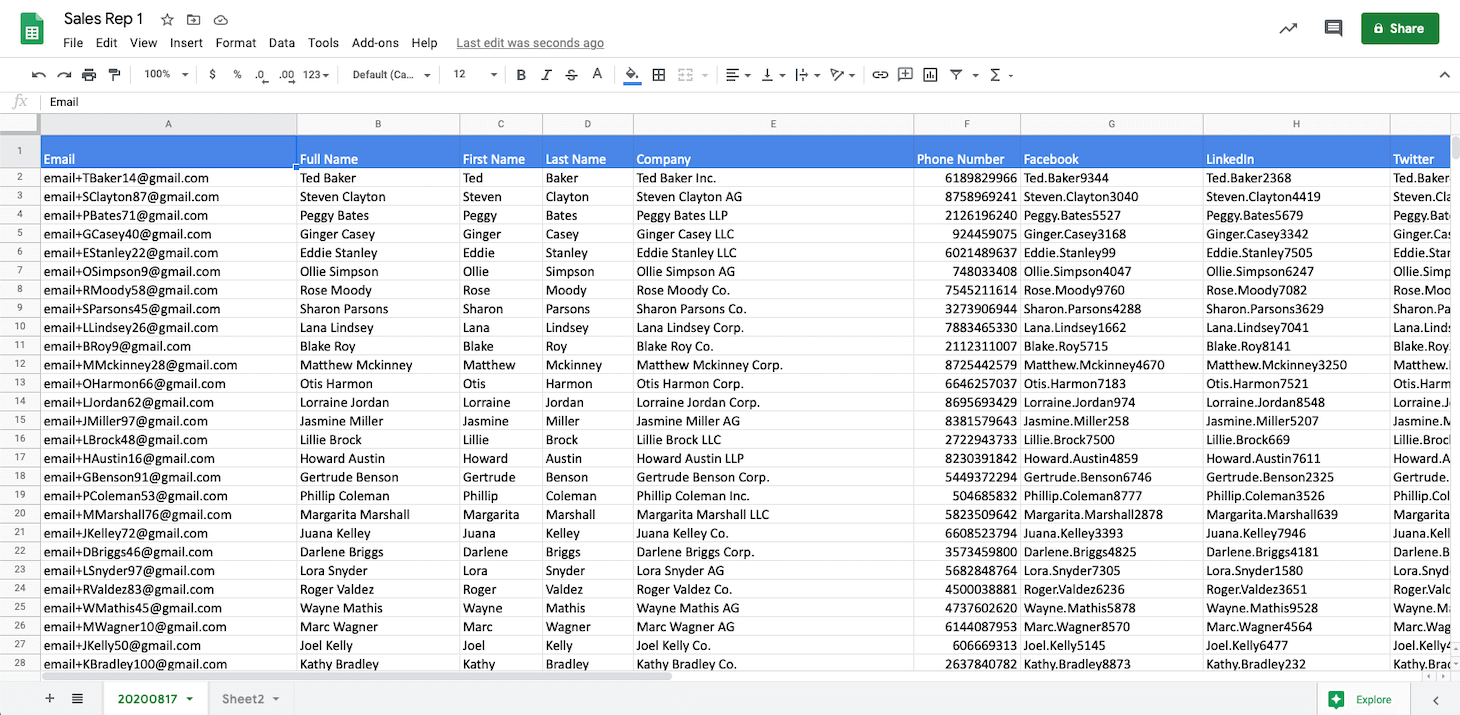
Connecting WaLead to Google Sheets exports your leads and their status in real time, so you can build custom views, share with your team, or feed other tools without manual exports.

How to connect WaLead with Google Sheets

1
Open Integrations
In WaLead, go to Integrations and select Google Sheets.
2
Sign in with Google
Authorize WaLead to access your Google account.
3
Pick a spreadsheet
Choose the spreadsheet and tab where leads should be written.
4
Turn on export
Save and your leads sync into the sheet in real time.

What you can do with WaLead + Google Sheets

Real-time export
Every new lead is written to your sheet automatically.
Custom views
Filter, pivot, and report however your team likes.
Feed other tools
Use the sheet as a hub to pipe leads anywhere.

The 6 WaLead agents in Claude

One agent for each stage of your funnel, available across the whole platform.

🔍
Finder
B2B prospect discovery

Turns your ICP into a vetted list of reachable prospects, sizes the market, and prioritizes with a fit score.

Screener
Qualification against your ICP

Filters leads with verifiable evidence. A matched/discarded verdict with a per-criterion breakdown.

🔬
Qualifier
Deep lead research

A full dossier on every lead: pain points, career momentum, interests, and an opening angle.

🚀
Prospector
Campaign design and launch

Builds campaigns in WaLead, sets up sequences, writes copy with AI, and kicks off prospecting.

💬
Closer
Closing conversations in the inbox

Diagnoses each conversation, spots blockers, and suggests replies to move toward a meeting.

📊
Analyst
Strategy and performance analysis

Analyzes campaigns, surfaces patterns, identifies niches, and refines your value proposition and ICP.

Frequently asked questions

Does this integration cost extra?+

We don't charge separately for connecting your tools. Integrations are included in your WaLead plan. See the Pricing page for the per-plan details.

Which plan includes it?+

Integrations are available on WaLead's paid plans. Check the Pricing page to confirm what each plan includes.

Is the connection to my account secure?+

Yes. The connection is authorized with your own credentials or API key and you can revoke it anytime. WaLead only accesses what it needs to sync your leads.

Can I disconnect it anytime?+

Yes. You can disconnect any integration from the Integrations panel in one click, without affecting the rest of your account.

Do the data sync in real time?+

Sync runs automatically and continuously, so your tool reflects your LinkedIn activity with no manual work.

What if my tool isn't listed?+

With Zapier you can connect WaLead to more than 6,000 apps, or ask us for a custom integration from the Integrations page.

What GTM teams say

The multi-account model is a before and after: you scale prospecting without costs skyrocketing. And the support in Spanish helps you get results fast.

Javi Consuegra
Javi Consuegra
CEO · Sales Hackers

We automate campaigns across several accounts safely and affordably. We've booked 60% more meetings and save 2-3 hours a day.

Joan Carles Sanjurjo
CEO · heading2market

We switched tools and felt the leap: the interface is clean, very intuitive, and within days the whole sales team was using it with ease.

Celia de Pedro
Celia de Pedro
Marketing Manager · ADM Cloud & Services

Start selling with WaLead

Try it free for 30 days and connect it to your stack.

Start free →